Organizer
Keep the whole conference moving.
Manage proposals, reviews, schedules, communications, and speaker follow-up.
Run the conferenceConference operations, end to end
Manage submissions, review, sourcing, scheduling, speaker tasks, and publishing in one place.
AI-guided setup
Claude or ChatGPT walks you through it.


 + more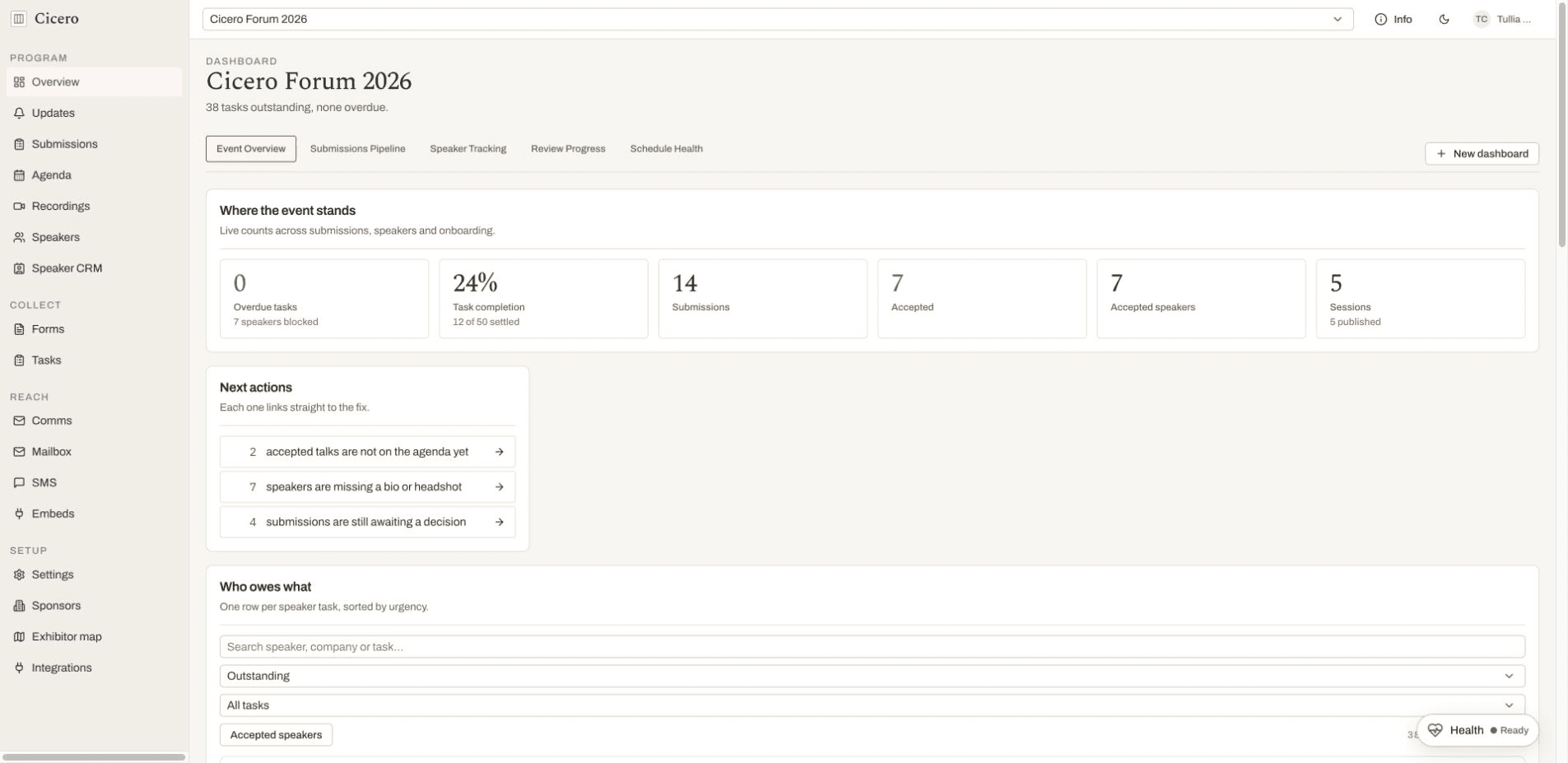
Products by role
Everyone works from the same event, while each person sees the tools and context that belong to their role.
Organizer
Manage proposals, reviews, schedules, communications, and speaker follow-up.
Run the conferenceReviewer
Work an assigned queue, rate the round’s criteria, and stay blind to peer scores until it closes.
Score the proposalsSpeaker
Submit a talk, maintain your profile, send deliverables, and upload your slides.
Give a talkAttendee
Browse the agenda, discover speakers, and build a personal itinerary, no account needed.
Browse the programmeFor organizers · Agent-first
Cicero is built to be driven by an agent. Connect its MCP server and Claude or ChatGPT works the event itself: it reads the submissions, reconciles the program, and writes the speaker email, instead of telling you what to click.
Copy the prompt, paste it into your agent, and it handles the rest: hosting, your first event, and the API key the MCP server needs.
/api/v1/events/{event-slug}/mcpTool manifestStreamable HTTP, authenticated with an event API key as a Bearer token. Create one under Organizer → Integrations, either read-only or read and write.
+ moreSet up Cicero for my conference, then connect its MCP server so you can run the event for me. Follow the guide at https://github.com/EllAchE/sessionboard-oss/blob/main/.agents/skills/onboard-cicero/SKILL.mdChanges and deletions require confirmation.